


Discover our popular courses
There are a bunch of courses here. Including Graphic design, JavascriptPhotography basics , Motion Graphics UI/UX design course and what not!
Just explore, wonder and enroll.

Fundamental of UI/UX design
Enroll & become a UI/UX designer Price : $100
Javascript Basic to Advance
Boost your web development skill with JS! Price : $100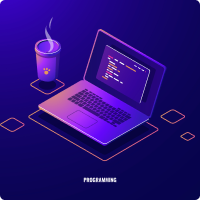
Fullstack Web Development
Enroll & be a fullstack developer . Price : m$100
Digital Marketing
Develop skill on digital marketing now. Price : $100
Photography Basic Rules
Photography Lover? Enroll & Learn the basics! Price : $100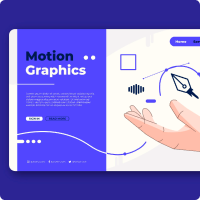
Motion Graphics
Learn and do cool projects of motion graphics $100
Ready to join?
What are you waiting for?
We are here with lot of courses
and to support you.Just
register
now and join us. Enjoy
Meet Our Successful Students
It is a long established fact that a reader will be distracted by the readable content of a page when looking at its layout.
Chand Sheikh Bose
Software Engineer
Sonali Bose
Software Engineer
Rahat Ali
Photographer
Rupali Khanom
UI/UX designerFrequently Asked Questions
Check here you have some common question in your head.If answer is not given here already , just email us.
The basic difference between CSS Grid Layout and CSS Flexbox Layout is that flexbox was designed
for layout in one dimension - either a row or a column. Grid was designed for two-dimensional
layout - rows, and columns at the same time.
Bootstrap comes with a set of pre-styled responsive, mobile-first components that possess a
definite UI kit. Tailwind CSS uses a set of utility classes to create a neat UI with more
flexibility and uniqueness. Sites created using Bootstrap follow the generic pattern that makes
them look identical.
A box in CSS consists of a content area, which is where any text, images, or other HTML elements
are displayed. This is optionally surrounded by padding, a border, and a margin, on one or more
sides. The box model describes how these elements work together to create a box as displayed by
CSS.
The HTML semantics refers to the tags that provide meaning to an HTML page rather than just
presentation. It makes HTML more comprehensible by better defining the different sections and
layout of web pages.
Trusted by over 800+ companies